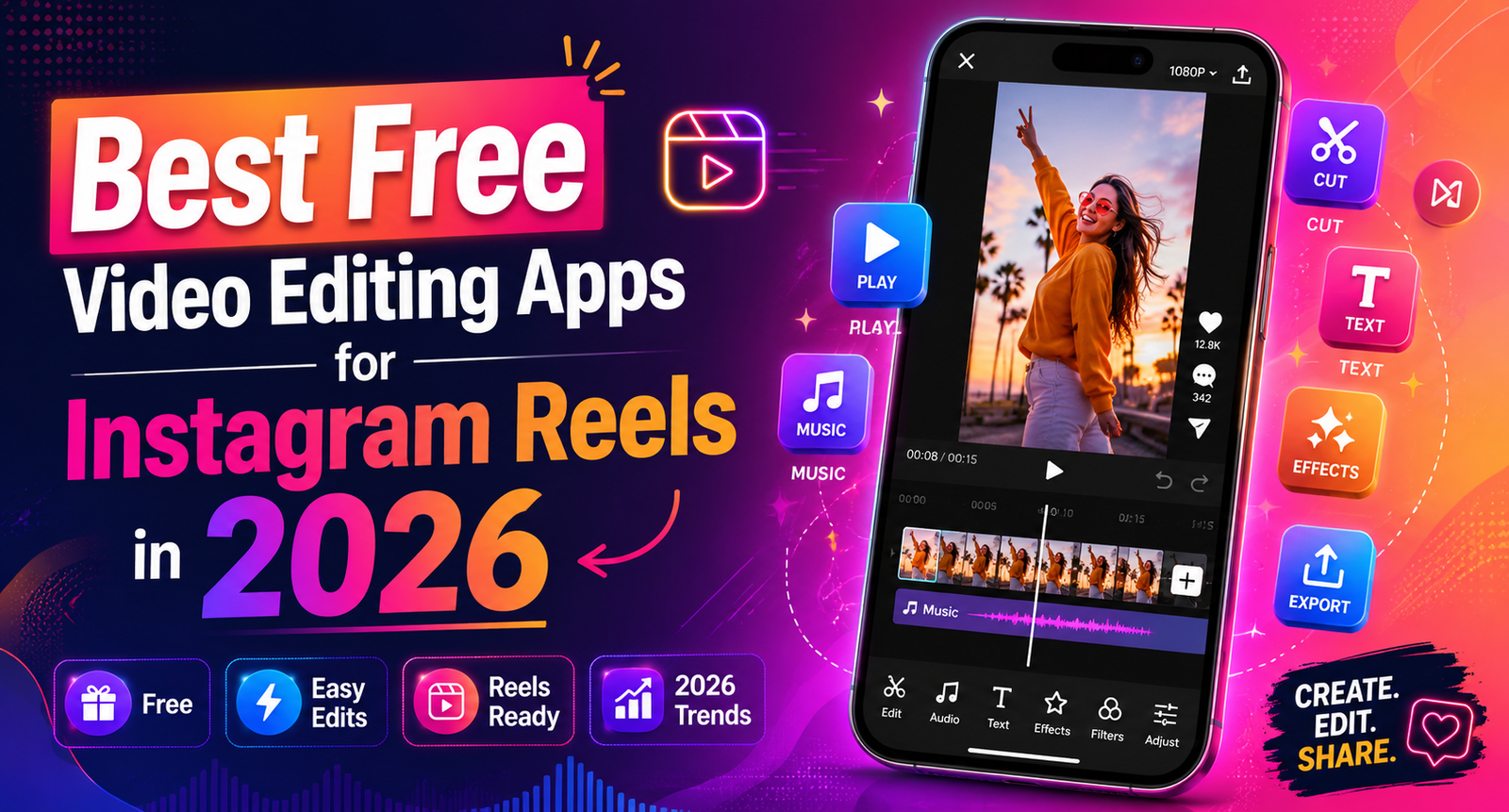

Instagram Reels has become the most powerful format for creators in 2026, with the algorithm rewarding short-form video more than ever. But here is the catch — a great idea alone is not enough. The way you edit your Reel often decides whether it gets 500 views or 500,000. The good news is, you do not need expensive software or a fancy laptop to make professional-looking Reels.
There are plenty of free video editing apps that can turn raw clips into scroll-stopping content right from your phone.
In this guide, we will walk through the best free video editing apps for Instagram Reels in 2026, what makes each one special, and which one you should pick based on your style and skill level.
Table of Contents
ToggleWhy the Right Editing App Matters in 2026
Before jumping into the list, it is worth understanding why the editing app you choose matters so much. Instagram’s algorithm in 2026 heavily favors watch time and replays. That means your Reel needs to grab attention in the first three seconds, hold viewers for the next ten, and end strong enough to make them watch again or share it.
A good editing app helps you do this by giving you fast cuts, trending transitions, beat-synced audio, captions that boost retention, and color grading that makes your content stand out in a crowded feed. The right tool saves time and helps your content perform better — without any monthly subscription.
1. CapCut
CapCut continues to be the number one free video editing app for Reels creators in 2026. Owned by ByteDance (the same company behind TikTok), CapCut has built a massive library of trending templates, effects, and transitions that are perfectly suited for short-form video.
What makes CapCut stand out is its template feature. You can browse thousands of viral templates, tap one, add your own clips, and the app automatically syncs everything to the beat. For creators who want to ride trends fast, this alone is a game-changer.
Beyond templates, CapCut offers professional-grade tools — keyframe animation, chroma key for green screen effects, auto-captions in over 50 languages, AI background removal, and even text-to-speech voices. The interface is clean and beginner-friendly, but powerful enough for advanced editors.
Best for: Trend-driven Reels creators, beginners, and anyone who wants fast results without a steep learning curve.
2. InShot
InShot has been a favorite among Instagram creators for years, and in 2026 it is still going strong. The app is known for its simplicity. If you want to trim clips, add music, apply filters, and post quickly, InShot gets out of your way and lets you do it.
The free version includes a small watermark at the end of videos, but you can easily remove it by watching a short ad. InShot supports HD and 4K export, smooth transitions, speed controls, picture-in-picture, and a strong selection of fonts and stickers tailored for Instagram.
One underrated feature is InShot’s aspect ratio control. You can switch between 9:16 for Reels, 1:1 for the feed, and 16:9 for IGTV-style content without losing quality. This makes it perfect for creators who repurpose content across platforms.
Best for: Casual creators, lifestyle bloggers, and anyone who values speed and simplicity.
3. VN Video Editor
VN has quietly become one of the most respected free editors in the creator community. There are no watermarks, no time limits, and no locked features behind a paywall — everything is genuinely free.
VN offers a desktop-style timeline editor on mobile, which means you can layer multiple video tracks, audio tracks, and effects with precision. It supports keyframes, LUTs (color grading presets), curve speed adjustments, and 4K export. For creators who want professional output without paying for Adobe Premiere or DaVinci Resolve, VN is the answer.
The learning curve is slightly steeper than CapCut or InShot, but once you get used to it, the control it offers is unmatched in the free category.
Best for: Intermediate to advanced creators, vloggers, and anyone who wants pro-level control without a subscription.
4. Adobe Express
Adobe Express is Adobe’s answer to mobile-first creators. In 2026, it has matured into a serious contender for free Reels editing. The app comes with thousands of professionally designed templates, royalty-free music, and Adobe Stock assets — all free to use.
What makes Adobe Express different is its branding focus. If you run a small business or personal brand on Instagram, the app makes it easy to maintain consistent colors, fonts, and logos across all your content. You can build a brand kit once and apply it to every Reel.
The AI features in Adobe Express are also impressive — auto-resize, background removal, animated text effects, and quick-action shortcuts that turn complex edits into one-tap actions.
Best for: Small business owners, brand-focused creators, and content marketers.
5. Canva
Most people think of Canva as a graphic design tool, but in 2026 it has become a serious video editor too. Canva’s video editing capabilities now include multi-track timelines, beat-synced editing, transitions, and a massive library of stock video and audio.
The biggest advantage of Canva is its all-in-one design system. You can create Reels, Instagram posts, story templates, and thumbnails all in one app — using consistent branding throughout. The free plan gives you access to thousands of templates and assets, which is more than enough for most creators.
Canva is especially popular with educational creators, coaches, and content marketers who use a lot of text overlays, infographics, and on-screen explanations in their Reels.
Best for: Educators, coaches, and creators who mix text-heavy content with video.
6. Instagram's Built-in Reels Editor
Do not overlook Instagram’s own editing tools. In 2026, Instagram has significantly upgraded its in-app editor with features like multi-clip alignment, auto-captions, voice effects, AI-generated backgrounds, and “Remix Plus” — a new collaborative editing feature.
The biggest advantage of using Instagram’s native editor is algorithmic boost. Reels created entirely within the app tend to perform slightly better in the feed compared to videos uploaded from third-party editors. Instagram does not officially confirm this, but creators have consistently reported better reach when using native tools.
If your edits are simple — a few trims, captions, music, and effects — the built-in editor is often all you need.
Best for: Quick edits, native algorithm boost, and creators who want everything in one place.
7. KineMaster
KineMaster is one of the oldest mobile video editors still going strong in 2026. The free version includes a small watermark, but the editing capabilities are professional-grade — multi-layer editing, blending modes, chroma key, voiceover recording, and detailed audio mixing.
KineMaster is particularly strong for creators who want cinematic Reels with multiple video layers, animated text, and custom transitions. It also has a robust asset store with free music, sound effects, and stickers updated regularly.
Best for: Cinematic creators, storytellers, and editors who want layered, complex compositions.
How to Choose the Right App for You
With so many great options, the best app depends on your specific needs. If you are new to editing and want fast results, start with CapCut or InShot. If you want professional control without paying, go with VN. If you are building a brand or business, Adobe Express and Canva are excellent choices. And for quick native edits, Instagram’s own tools are surprisingly powerful in 2026.
The truth is, the app is just a tool. The real magic happens when you understand your audience, study what works in your niche, and consistently show up with quality content. Pick one or two apps from this list, master them, and you will be ahead of 90% of creators who keep app-hopping.