
Key takeaways
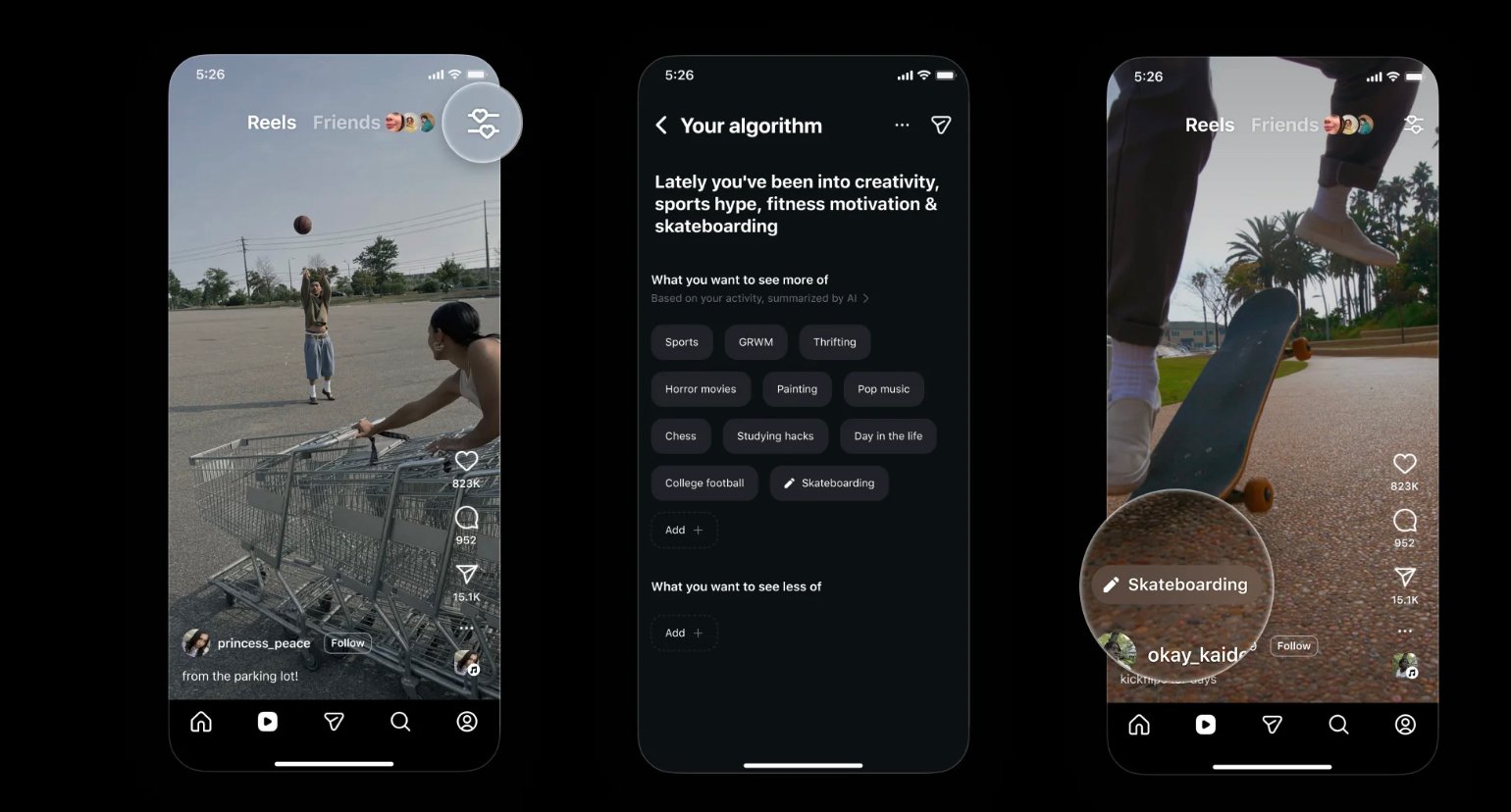
- “Your Algorithm” is an Instagram tool that shows the topics shaping your Reels recommendations and lets you change them.
- Instagram launched it for Reels in the US in December 2025, with wider English rollout planned and Explore to follow.
- You can see your top interests, add topics you want more of, and remove topics you want less of.
- For creators, it’s a reminder that clear, consistent topics make your content easier to recommend.
For years, “the algorithm” has felt like a black box. You watch a few cooking videos and suddenly your Reels tab is full of recipes, whether you still want them or not. Instagram’s Your Algorithm feature changes that by showing you the topics it thinks you’re interested in and letting you edit them directly.
This guide explains what the feature does, how to open it, how to use it to reset a feed that has drifted, and what it means for creators who want their Reels to reach the right people.
Table of Contents
ToggleWhat is Instagram’s Your Algorithm feature?
Your Algorithm is a control panel for Reels recommendations. Instagram uses AI to summarise your recent activity into a list of topics, such as “street food”, “home workouts” or “football highlights”. You can then tell Instagram to show more or less of each topic, and your Reels feed adjusts to match.
Instagram first rolled it out in the United States in December 2025 and said it planned to bring it to more English-speaking users and then to other parts of the app, including Explore. If you don’t see it yet, it may not have reached your account or region.
How to open Your Algorithm
- Open the Reels tab.
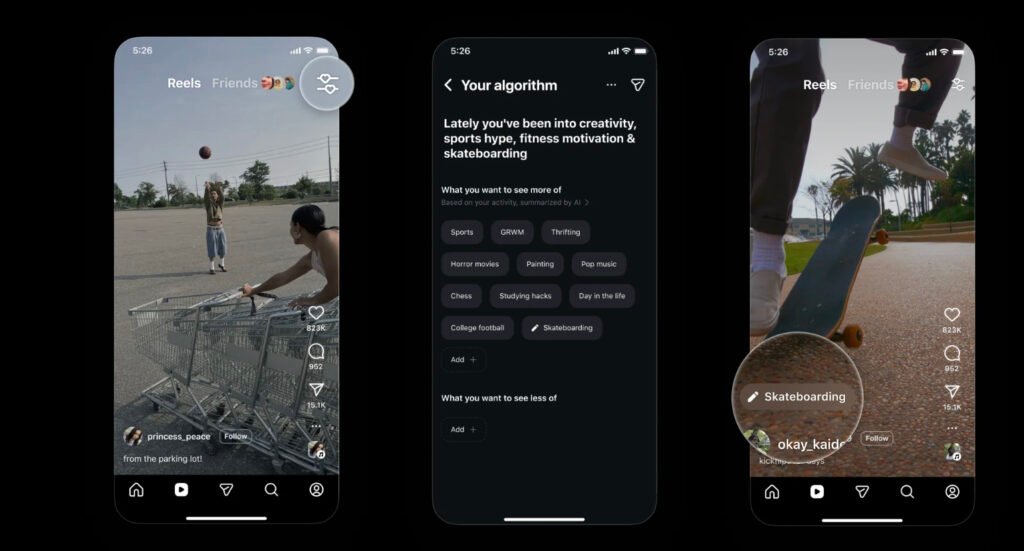
- Look for the small icon in the top right corner (two lines with hearts).
- Tap it to open Your Algorithm.
You can also find it through your profile: tap the menu, go to Settings and activity, then Content preferences, then Your algorithm. Menu names can change slightly between app versions.
What you can do with it
1. See your top interests
The first screen shows a short summary of what Instagram thinks you’re into right now. It’s often surprising. A few late-night videos about one topic can be enough to push it near the top.
2. Add topics you want more of
Type in a topic you’d like to see more often. If you’re learning video editing, for example, adding “video editing tips” tells Instagram to favour that content.
3. Remove or reduce topics
Tap a topic to see less of it. This is the fastest way to clear out content you’ve lost interest in, or content that’s distracting you from what you use Instagram for.
4. Share your interests
You can share a snapshot of your algorithm to your Story. Some people use it as a fun “this is what my feed is like” post, which can also start conversations with followers who share the same interests.
How to reset a Reels feed that has drifted
- Open Your Algorithm and remove every topic that no longer fits.
- Add three to five topics you actively want, using specific phrases rather than broad ones (“Instagram Reels editing” rather than “social media”).
- For the next few days, watch and save Reels from those topics, and use “Not interested” on anything off-topic.
- Check Your Algorithm again after a week to see whether the summary has changed.
Your behaviour still matters. Editing topics gives Instagram a strong hint, but what you watch, save, share and skip continues to shape recommendations.
What Your Algorithm means for creators
The feature is aimed at viewers, but it’s also useful for anyone growing an account. It shows how Instagram groups content into topics, and that grouping affects who sees your Reels.
- Stay on clear topics. If your Reels jump between unrelated subjects, it’s harder for Instagram to match them to people who’ve chosen those topics. A focused niche makes your content easier to recommend.
- Name the topic early. Say and show what the Reel is about in the first few seconds and in the caption. That helps both viewers and Instagram’s systems understand it.
- Use plain language. Topics are usually simple phrases. Use the words your audience would type, not internal jargon.
- Check your own algorithm. Open it on your account and see which topics appear. If your niche isn’t there, you’re probably not watching enough content in it, which also limits how well you understand what’s working.
Is Your Algorithm private?
Your topic list is visible only to you unless you choose to share it to your Story. As with any personalisation setting, it’s worth reviewing it from time to time, especially if you share a device or use your account for work.
FAQs
Why don’t I see the Your Algorithm icon?
Instagram rolled the feature out gradually, starting with the US. Update the app and check again. If it still isn’t there, it hasn’t reached your account yet.
Does removing a topic block it completely?
No. It reduces how often that topic is recommended. You may still see some related content, especially from accounts you follow.
Will this work on Explore?
Instagram said it planned to extend the feature to Explore and other areas after Reels. Check the app for updates.
Summary
Your Algorithm gives you a simple way to see and steer what Instagram recommends in Reels. Viewers can use it to clean up a cluttered feed in minutes. Creators can use it to understand how content is grouped into topics, and why a focused niche and a clear opening make Reels easier to recommend to the right audience.