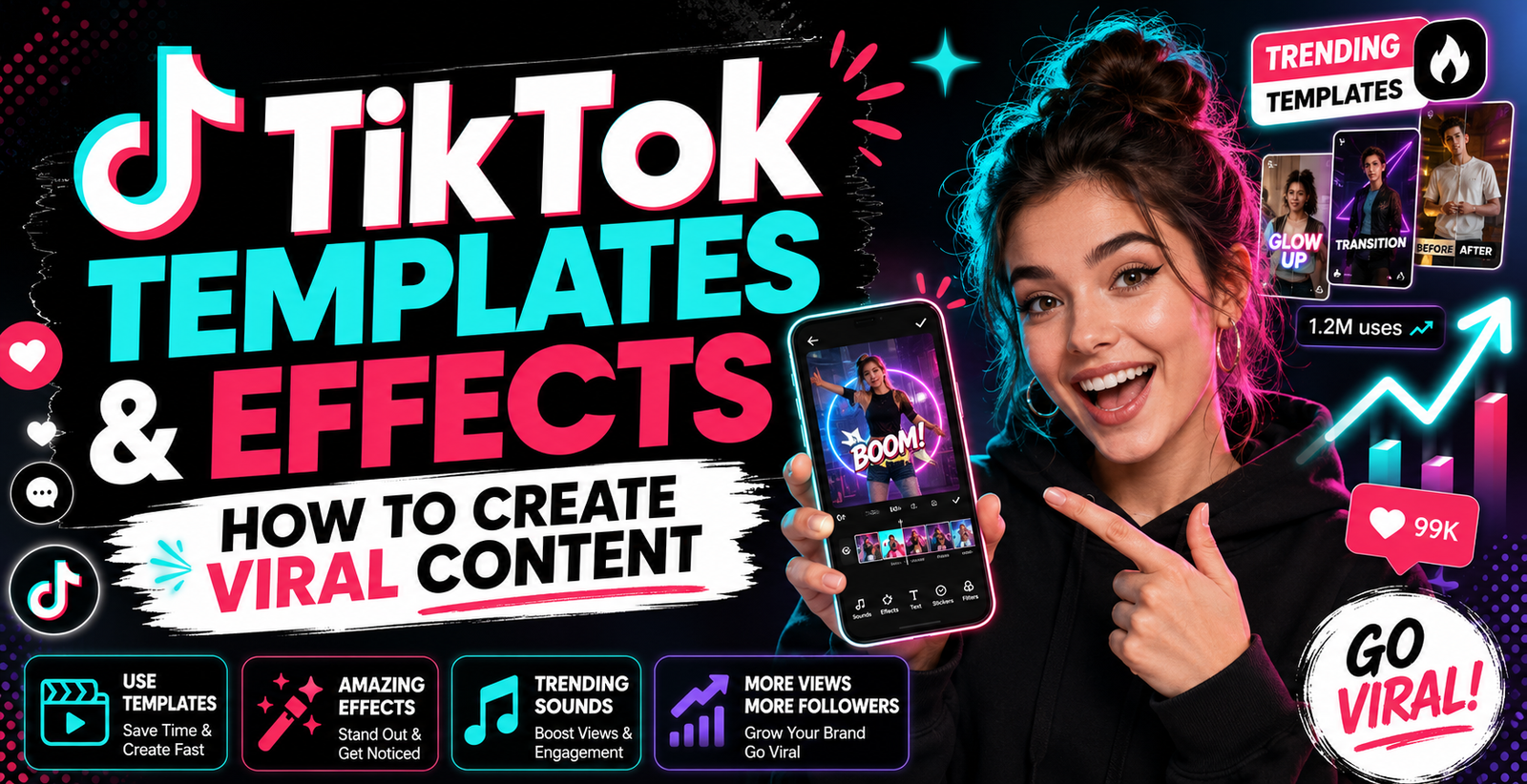
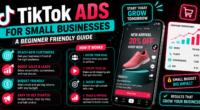
TikTok has become one of the most powerful platforms for creators, brands and small businesses. It is fast, visual and trend driven. A simple video can reach thousands or even millions of people when the idea, sound, timing and editing style connect with the audience.
One reason TikTok content spreads quickly is the use of templates and effects. These tools help creators make videos faster, follow trends, and create content that feels fresh. You do not always need expensive equipment or advanced editing skills. With the right template or effect, you can turn a simple idea into an engaging video.
TikTok had around 1.59 billion ad reachable users worldwide in January 2025, according to DataReportal. This placed TikTok among the top social media platforms by reported ad reach outside China. This large audience creates a big opportunity for creators who understand how to use TikTok features well.
Table of Contents
ToggleWhat Are TikTok Templates and Effects?
TikTok templates are ready made video formats that help creators build content quickly. They may include photo layouts, transitions, timing patterns, text placements and music based edits. A creator can add photos or clips, and the template helps arrange them into a finished video.
TikTok effects are visual or interactive tools that change how your video looks or behaves. Effects can add filters, animations, face changes, background effects, augmented reality objects, games, randomisers and more. Some effects are simple, while others are highly creative and interactive.
TikTok also allows users to create effects directly from the mobile app. TikTok says its mobile effect editor includes templates, assets and triggers such as tap screen, smile and wink. These triggers can be used to create interaction based effects like randomisers and mini games.
For creators, this means templates and effects are not just decoration. They are creative tools that can help increase attention, engagement and shareability.
Why Templates and Effects Help Videos Get More Engagement
TikTok users scroll very quickly. You only have a few seconds to catch attention. Templates and effects can help because they make the video look active from the start. A moving transition, bold visual change or trending effect can make viewers stop scrolling.
Templates also help creators follow content formats that are already familiar to users. For example, photo dump templates, before and after templates, transformation videos, day in the life edits and reaction formats are easy for viewers to understand. When viewers understand the format quickly, they are more likely to keep watching.
Effects can also make videos more fun. A normal talking video may feel simple, but adding the right effect can make it more entertaining. For example, a quiz effect can make educational content interactive. A face effect can make comedy content more expressive. A background effect can make product content look more polished.
TikTok’s own Creative Center shows that creators and brands can discover trending hashtags, songs, creators and videos by region and industry. This helps users understand what type of content is performing well before creating their next video.
How to Find Trending Templates on TikTok
Finding trending templates is one of the easiest ways to create content quickly. Start by exploring your For You page. Look for repeated video styles. If you see the same transition, photo layout or editing format again and again, it may be a trending template.
You can also check TikTok’s Creative Center. It is built to help creators and marketers discover what is trending. TikTok describes Trend Discovery as a place to find popular hashtags, songs, creators and videos in your region.
Another smart method is to study creators in your niche. If you create beauty content, follow beauty creators. If you create business content, follow business creators. If you create food content, follow food creators. Trends are not always the same for every niche. A template that works for fashion may not work for finance. A template that works for comedy may not work for education.
When you find a good template, do not copy blindly. Use the structure, but add your own idea, message and personality. Viral content often comes from familiar formats with a fresh angle.
How to Use TikTok Effects to Make Videos More Creative
Effects can improve your video when they support the idea. The best effects are not random. They match the message, mood or hook of the video.
For example, if you are creating a “before and after” video, use an effect that supports transformation. If you are creating a funny reaction, use a face effect or exaggeration effect. If you are creating a product video, use clean effects that highlight the product instead of hiding it.
TikTok’s mobile effect editor allows users to create original effects or start from templates. It also includes more than two thousand assets for effect creation. This opens creative possibilities for people who want to build unique content without complex software.
Creators who want more advanced options can also explore TikTok Effect House. It allows effect creation with templates and tutorials. TikTok Effect House has published template tutorials, including examples such as Heart Mosaic and Masquerade, which show how templates can be used to build creative visual effects.
Best Types of Templates for Viral TikTok Videos
Some template styles work well because they match how people consume TikTok content. One popular type is the transformation template. This can show a makeover, room change, fitness progress, business growth or product result.
Another useful type is the list based template. This works well for tips, mistakes, tools, ideas and recommendations. For example, “5 mistakes new creators make” or “3 ways to grow faster on TikTok” can be turned into a simple template with text and quick clips.
Storytelling templates are also powerful. They help creators explain a journey, problem or lesson in a clear way. A good storytelling template usually has a strong hook, short scenes and a clear ending.
Photo templates are useful for lifestyle, travel, fashion, food and personal branding. They allow creators to turn simple images into engaging videos with music and transitions.
For brands, product showcase templates can be useful. These can highlight product features, customer results, packaging, use cases and reviews.
How to Match Templates With Trending Sounds
Sound is a major part of TikTok culture. A template often performs better when it matches a trending sound. The sound sets the mood and timing of the video.
TikTok Creative Center lets users explore trending songs. It also allows filtering by time frame and shows analytics for songs, including trendline, audience insights, regional popularity and similar music. TikTok notes that songs approved for business use are royalty free for commercial use.
This is important for business accounts. Not every trending sound can be used for commercial content. Brands should use approved sounds to avoid copyright issues.
When matching a template with sound, think about rhythm. A fast sound works well with quick cuts, transitions and energetic content. A calm sound works better for storytelling, lifestyle, beauty, travel or emotional videos.
Do not choose a sound only because it is trending. Choose it because it supports your message.
How to Use Effects Without Making Videos Look Overloaded
A common mistake is using too many effects in one video. This can make the content look messy. It can also distract viewers from the main message.
A good rule is to use one main effect per video. Let the effect support the idea. If the effect becomes more important than the content, the video may lose its purpose.
For educational videos, keep effects simple. Use text, zooms or light visual changes. For entertainment videos, you can use stronger effects, but the timing still matters.
Creators should also check whether the effect makes the video easy to watch. If the text becomes hard to read or the visuals move too much, viewers may leave early.
The best TikTok videos often feel simple, clear and quick. Effects should improve clarity or entertainment, not create confusion.
TikTok Effect Creator Tools and Mobile Effect Editor
TikTok has made effect creation easier for more people. Earlier, creating effects required advanced tools or technical skills. Now TikTok’s mobile effect editor gives creators a simpler way to build effects inside the app.
TikTok says the editor has a simple interface and includes advanced features. Users can add effects with a tap, work with templates and use assets for their creations. They can also create interactive effects with triggers such as tapping the screen, smiling or winking.
This is useful for creators who want to stand out. Instead of only using existing effects, you can create your own effect. If your effect becomes popular, other users may use it in their videos. This can increase visibility for your profile and brand.
For businesses, custom effects can be used for campaigns. A gym can create a fitness challenge effect. A beauty brand can create a face filter. A restaurant can create a fun food related randomiser. A creator can create a quiz effect based on their niche.
Common Mistakes to Avoid When Using Templates and Effects
The first mistake is using a trend too late. TikTok trends move fast. If you use a template after everyone is tired of it, the content may not perform well. Try to catch trends early.
The second mistake is copying without adding value. If your video looks exactly like thousands of others, people may skip it. Add your own hook, opinion, story or result.
The third mistake is choosing templates that do not fit your niche. A funny template may not work for a serious finance video. A beauty transition may not work for an industrial business video. Match the style to your audience.
The fourth mistake is ignoring the first three seconds. Even with a good template, your opening must be strong. Start with a question, bold claim, surprising result or clear benefit.
The fifth mistake is not checking analytics. If a template style gives high watch time, use it again with new ideas. If an effect causes viewers to leave early, avoid it.
Tips to Create Shareable TikTok Content With Templates and Effects
To create viral content, focus on shareability. People share videos that are useful, funny, relatable, surprising or emotionally strong.
Start with a clear hook. Tell viewers what they will get. For example, “Use this template if your videos get no views” is stronger than “TikTok tips.”
Keep the video short and focused. Remove anything that does not support the main idea. Add text on screen so viewers can understand even without sound.
Use trending templates, but connect them with your niche. A dentist can use a transformation template for smile results. A restaurant can use a food reveal template. A business coach can use a mistake based template.
TikTok’s Next 2026 trend report says audiences are moving toward honesty, community and shared experience. It highlights that people are looking for more unfiltered stories and behind the scenes moments instead of overly polished content.
This is important. Templates and effects can help your content look better, but authenticity still matters. Viewers want real value, not only fancy editing.