
YouTube is no longer only a video sharing platform. It has become a strong income source for creators, educators, gamers, influencers, podcasters and businesses. Many creators earn money through ads, sponsorships, memberships and affiliate links. But YouTube also gives creators another direct way to earn from their loyal viewers. This is where Super Chat and Super Thanks become important.
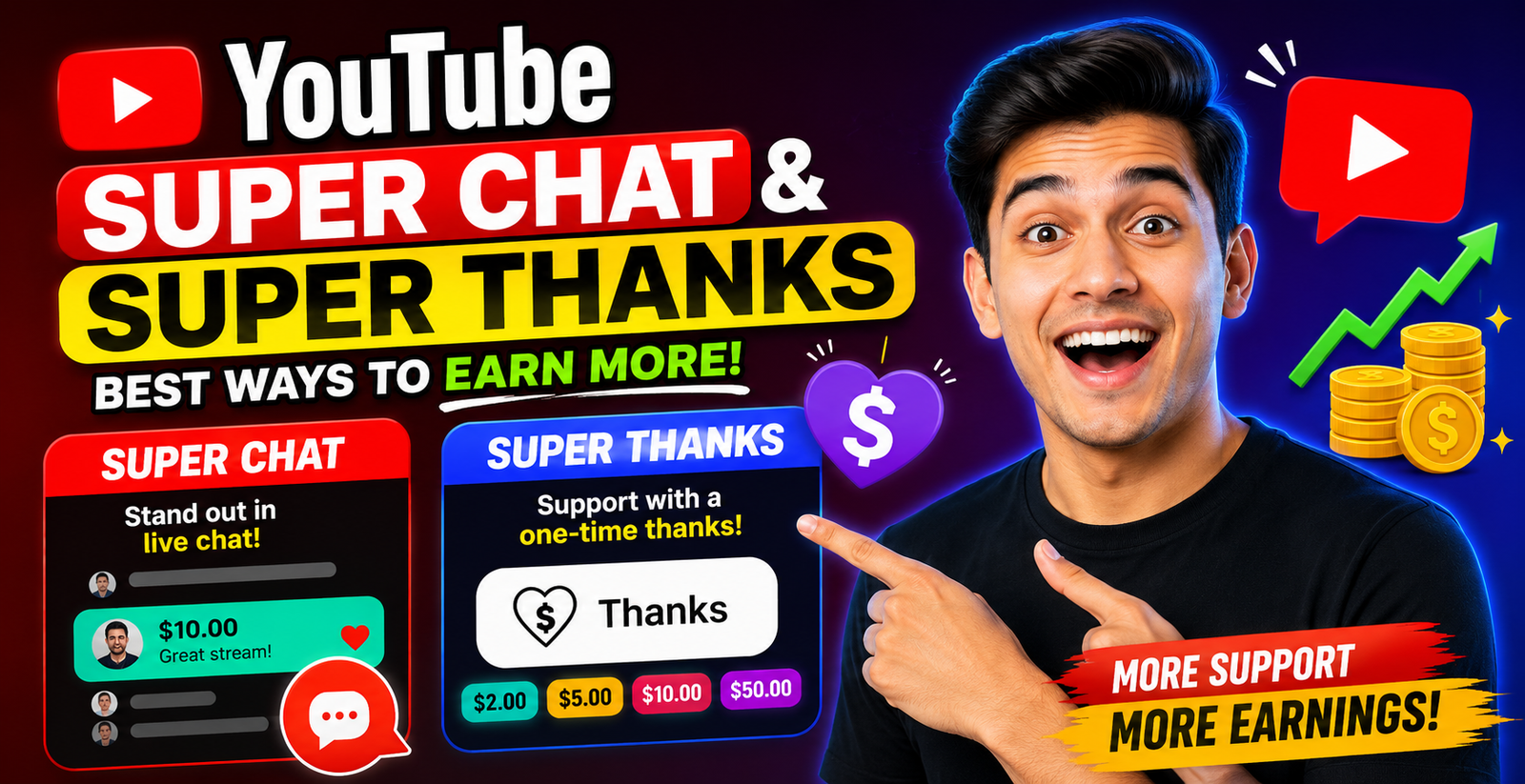
Super Chat and Super Thanks are part of YouTube’s fan funding features. These tools allow viewers to support creators directly. Super Chat works mainly during live streams and Premieres. Super Thanks works on regular videos and Shorts. For new creators, these features can become a useful extra income source when used in the right way.
According to DataReportal, YouTube ads reached 2.53 billion users worldwide in January 2025. This made YouTube one of the largest digital platforms in the world by ad reach. It also shows why creators have a big opportunity to build communities and earn from their content.
Table of Contents
ToggleWhat Are YouTube Super Chat and Super Thanks?
YouTube Super Chat allows viewers to buy a highlighted message during a live stream or Premiere. When a viewer sends a Super Chat, their message stands out in the live chat. The message may also stay pinned for a period of time, depending on the amount paid.
Super Thanks is slightly different. It lets viewers support creators on long form videos and Shorts. When viewers buy Super Thanks, they get a one time animation and can post a colourful highlighted comment under the video. YouTube says Super Thanks is designed to help creators earn revenue and connect with viewers who want to show extra gratitude for their content.
Both tools are useful because they are based on viewer appreciation. A person who finds your content valuable may want to support you directly. This support can be small, but over time it can become a meaningful income stream.
Why These Features Matter for Creators
Many creators depend only on ad revenue. But ad revenue can change based on video topic, country, season, watch time and advertiser demand. Super Chat and Super Thanks give creators another earning option.
These features also help strengthen community. When viewers support a creator, they feel more connected. When creators respond with respect and gratitude, viewers are more likely to return.
YouTube also gives creators a strong revenue share on Supers. According to YouTube Help, creators receive 70% of confirmed Supers revenue. This 70% is calculated after local sales tax and App Store fees on iOS are deducted. YouTube currently covers transaction costs such as credit card fees.
This data is important for creators. It means if a viewer sends support, the creator does not always receive the full amount. Fees and taxes can reduce the final payout. So creators should understand the real revenue structure before making income estimates.
How Super Chat Helps Creators Earn During Live Streams
Super Chat is best for creators who do live content. This includes gaming channels, education channels, music channels, spiritual channels, news commentary, podcasts, Q and A sessions and product discussions.
During a live stream, viewers may want their questions to be noticed. Super Chat gives them that chance. Their message becomes more visible than normal chat messages. This is useful when a stream has many viewers and fast moving comments.
For example, a creator doing a live Q and A can encourage viewers to ask important questions through Super Chat. A gaming creator can thank supporters live. A teacher can answer paid questions during a special session. A music creator can take song requests during a live performance.
But the key is balance. Creators should not ignore normal viewers. Super Chat should feel like an extra support option, not a forced payment system.
How Super Thanks Helps Creators Earn From Regular Videos
Super Thanks is useful because it does not require live streaming. Many creators are not comfortable going live. Some creators make tutorials, reviews, educational videos, travel vlogs or business content. Super Thanks gives these creators a way to earn from regular uploaded content.
A viewer may watch a helpful video and want to say thank you. For example, if a video helps someone solve a problem, learn a skill or save money, they may send Super Thanks.
Super Thanks can also work well for evergreen content. Evergreen videos continue to get views for months or years. If a video ranks well in search and keeps helping viewers, it can keep receiving Super Thanks over time.
For best results, creators should mention Super Thanks naturally. For example, near the end of a video, a creator can say, “If this guide helped you, you can support the channel with Super Thanks.” This sounds simple and respectful.
Eligibility Requirements for Super Chat and Super Thanks
Not every channel can use these features immediately. Creators must meet YouTube’s eligibility rules and be part of YouTube monetisation. YouTube explains that Super Chat and Super Stickers are automatically available on eligible live streams and Premieres where live chat is turned on.
For Super Thanks, creators must accept the Commerce Product Module to earn revenue from it. YouTube also notes that Super Thanks is available for eligible videos and eligible locations.
New creators should first focus on building a channel that meets monetisation standards. This includes following YouTube policies, creating original content and building consistent audience engagement.
Best Ways to Encourage Viewers to Send Super Chat
The best way to increase Super Chat income is to make live streams valuable. Viewers are more likely to support when they feel involved.
Creators can use topic based live streams. For example, instead of going live without a plan, create a focused session such as “Ask Me Anything About YouTube Growth” or “Live Website SEO Review.” A clear topic gives viewers a reason to join.
Creators should also acknowledge supporters quickly. When someone sends a Super Chat, say their name and thank them. If they ask a question, answer it clearly. YouTube even notes that showing appreciation for purchases and milestones can help build community and increase your fanbase.
Another good method is setting a fixed live stream schedule. If viewers know you go live every Friday, they are more likely to attend. Regular live streams create habits, and habits build loyal communities.
Best Ways to Get More Super Thanks on Videos
Super Thanks works best when your video gives real value. A viewer is more likely to send thanks when your video solves a problem.
Tutorial videos, guide videos, review videos and educational videos can perform well. For example, a video titled “How to Fix YouTube Monetisation Issues” may help viewers directly. If the content saves them time, they may support you.
Creators should add a soft call to action. Do not beg. Do not pressure viewers. A simple line is enough. You can say, “If this video helped you, Super Thanks is a simple way to support more free content.”
You can also pin a comment under the video. The comment can thank viewers for watching and mention that Super Thanks helps support future videos.
How to Thank and Engage Viewers Who Support Your Channel
Supporters should feel valued. A small thank you can create long term loyalty.
During live streams, read Super Chat messages with energy. Say the viewer’s name clearly. Respond to their question or comment. If they support often, remember them and appreciate their regular presence.
For Super Thanks, reply to the highlighted comment. You can also heart the comment. YouTube says viewers can see when you heart their Super Chat or Sticker, and depending on their settings, they may receive a notification.
This type of engagement makes viewers feel seen. People support creators not only for content, but also for connection.
How to Track Super Chat and Super Thanks Revenue
YouTube Analytics helps creators track earnings from Supers. YouTube says creators can view Supers revenue inside YouTube Analytics under Revenue and How you make money.
This helps creators understand which live streams or videos generate the most direct support. For example, if one live Q and A earns more Super Chats than a casual live stream, it means your audience prefers helpful sessions.
Creators should check revenue data every month. Look at which content brought support. Then create more content around those formats.
Common Mistakes Creators Should Avoid
One common mistake is asking for money too often. Viewers do not like feeling pressured. Super Chat and Super Thanks should be optional.
Another mistake is ignoring supporters. If someone sends support and the creator does not respond, the viewer may not support again.
A third mistake is making live streams too random. A clear topic usually performs better than an unplanned stream.
Creators should also avoid making false promises. Do not say that paid supporters will always get special treatment if you cannot manage it. Be honest and professional.
Simple Strategy to Earn More With Super Chat and Super Thanks
Start by creating valuable content. Then build community. After that, promote fan funding naturally.
For Super Chat, host regular live streams with clear topics. Answer questions. Recognise supporters. Keep the chat active.
For Super Thanks, create helpful videos that solve real problems. Add a simple call to action. Reply to Super Thanks comments. Track your results in Analytics.
The main goal is not only earning more money. The real goal is building trust. When viewers trust you, they support you more often.