
Key takeaways
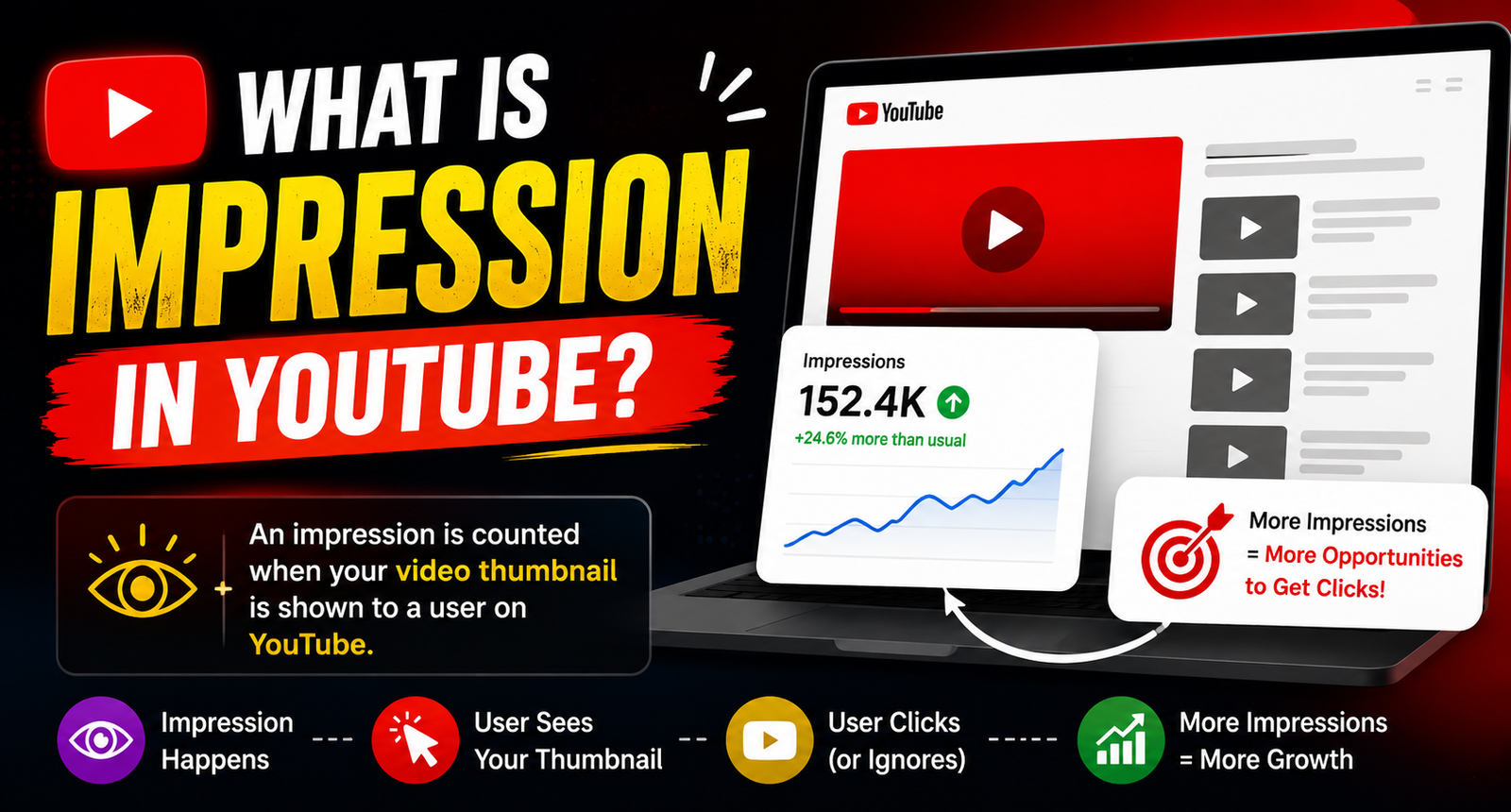
- An impression is counted when your video thumbnail is shown to a viewer on YouTube, and at least 50% of it is visible for one second or more.
- Impressions measure how often YouTube shows your video. Views measure how often people choose to watch it.
- Impressions click-through rate (CTR) connects the two and tells you how well your title and thumbnail work.
- Low impressions point to a topic or audience problem. Low CTR points to a packaging problem.
If you open YouTube Studio for the first time, “impressions” is one of the first numbers you’ll see, and one of the most misunderstood. Many new creators assume impressions are the same as views, or that more impressions automatically mean a video is doing well. Neither is quite true.
This beginner guide explains what impressions are, how YouTube counts them, where to find them, what a good impressions CTR looks like, and how to use the numbers to improve your next video.
Table of Contents
ToggleWhat is an impression on YouTube?
YouTube counts an impression when a thumbnail of your video is shown to someone on YouTube and is at least half visible on their screen for at least one second. It’s YouTube’s way of measuring how many chances your video had to be clicked.
Think of it like a shop window. Impressions are the number of people who walked past and could see your display. Views are the number of people who came inside.
What counts as an impression, and what doesn’t
| Counts as an impression | Doesn’t count |
|---|---|
| Thumbnail on the Home page | Videos embedded on other websites |
| Thumbnail in Suggested videos | Video links shared on social media or in messages |
| Thumbnail in Search results | Views from external traffic sources |
| Thumbnail in Subscriptions feed, playlists and channel pages | End screens and video previews shown inside a video player |
Because external traffic isn’t counted, a video shared widely on WhatsApp or Instagram can have more views than impressions suggest.
Where to find impressions in YouTube Studio
- Open YouTube Studio and click Analytics.
- Go to the Content or Reach tab, depending on your Studio version.
- Look for Impressions and Impressions click-through rate.
- For a single video, open its analytics and check the same section, along with the “How viewers find this video” card.
Impressions vs views vs reach
- Impressions: how many times your thumbnail was shown on YouTube.
- Views: how many times your video was watched, from any source.
- Unique viewers: the estimated number of different people who watched.
- Impressions CTR: the percentage of impressions that turned into views. For example, 200 views from 4,000 impressions is a 5% CTR.
What is a good impressions CTR?
YouTube has said that half of all channels and videos have an impressions CTR between 2% and 10%. Where you land depends on your niche, your audience and where impressions come from. A few things to keep in mind:
- CTR usually drops as impressions grow. When YouTube shows your video to people outside your core audience, fewer of them click. A falling CTR during a growth spurt is normal.
- Traffic sources differ. Search and subscriber impressions often have higher CTR than Home page impressions, because those viewers are already interested.
- Compare against yourself. Your own channel average is a better benchmark than a general number.
How to read your impressions data
| What you see | What it usually means | What to try |
|---|---|---|
| Low impressions, good CTR | People who see it like it, but YouTube isn’t showing it widely | Choose topics your audience already watches, improve retention, build series |
| High impressions, low CTR | The thumbnail or title isn’t appealing to the people seeing it | Test a new thumbnail and a clearer title |
| Good CTR, short watch time | The video doesn’t match the promise | Make the opening deliver what the title says |
| Impressions rising, then stopping | The video reached the edge of its interested audience | Normal. Focus on the next upload |
How to get more impressions
- Make videos for a clear audience. YouTube shows videos to people similar to those who’ve enjoyed them already.
- Improve retention. Videos that keep people watching tend to be shown more widely.
- Target searchable topics. Answer questions people type into YouTube, using those words in your title.
- Create series. Related videos appear in Suggested beside each other.
- Upload consistently. Each new video brings people back, and returning viewers create more impressions for older uploads too.
How to improve impressions CTR
- Use one main subject in the thumbnail, large enough to read on a phone.
- Use three to five words of thumbnail text at most, and don’t repeat the title.
- Make the title promise a specific result or answer.
- Use contrast so the thumbnail stands out against YouTube’s white and dark backgrounds.
- Test alternatives with YouTube’s thumbnail testing tool where it’s available.
Common beginner mistakes
- Treating impressions as views. They measure opportunity, not watching.
- Chasing CTR with clickbait. A misleading thumbnail may raise CTR briefly but hurts watch time and future impressions.
- Judging too early. Give a video a few days before changing the packaging, unless CTR is clearly far below your average.
FAQs
Why do I have views but almost no impressions?
Your views probably came from outside YouTube, such as links shared on social media or embedded on websites. Those views don’t create impressions.
Do Shorts have impressions?
Shorts in the Shorts feed are measured differently, because they play automatically. YouTube Studio shows Shorts metrics such as “shown in feed” and how many viewers chose to keep watching.
Summary
Impressions tell you how often YouTube gave your video a chance. CTR tells you how often people took it. Watch time tells you whether they were glad they did. Read the three together, fix the weakest one, and your impressions will grow as YouTube learns who your videos are for.